My favorite app
Great app, easy to use. Helps our small business save time and money to create different marketing materials professionally. Thank you.
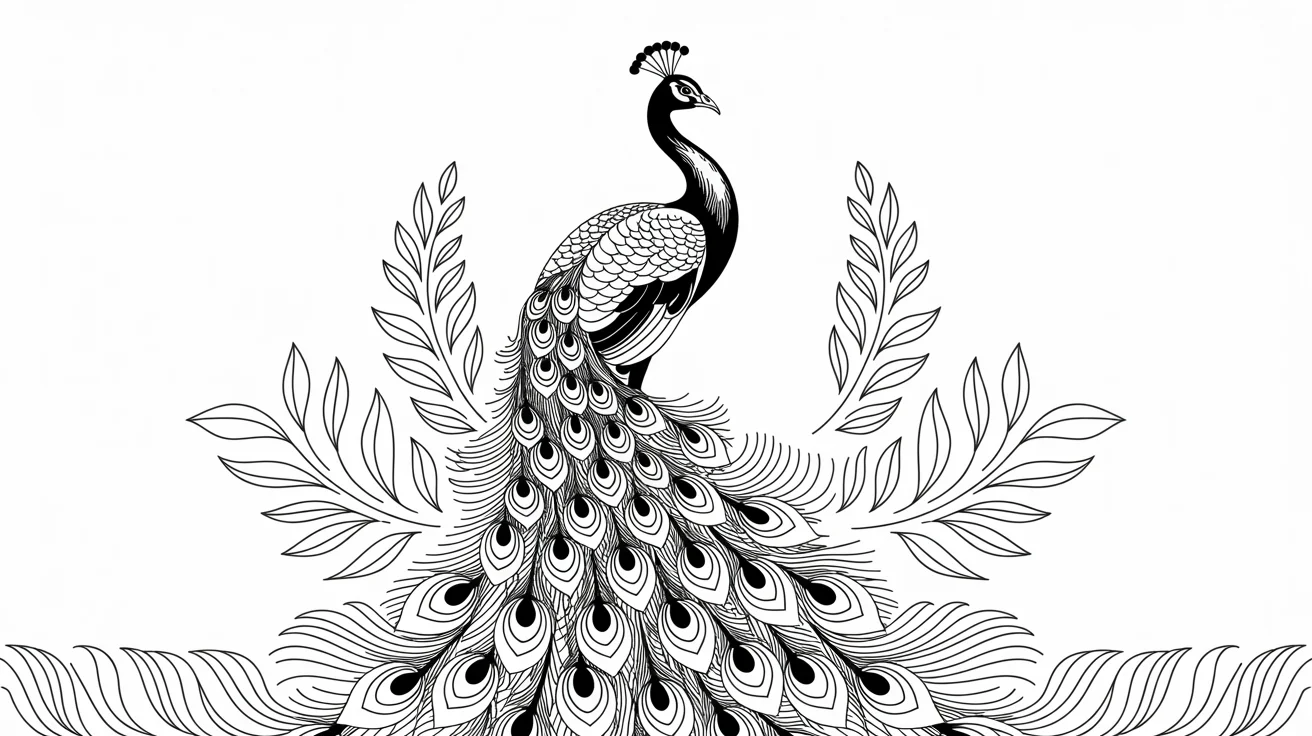
Start by uploading the photo you want to convert. Choose a clear image with a defined subject for the best results.
Describe the desired style. For example, type 'minimalist line art' or 'detailed pen sketch' to guide the AI.
Click the generate button. The AI will analyze your photo and prompt to create a unique piece of line art in seconds.
Your new line art is ready. Download the high-resolution, watermark-free PNG file to use in any project.
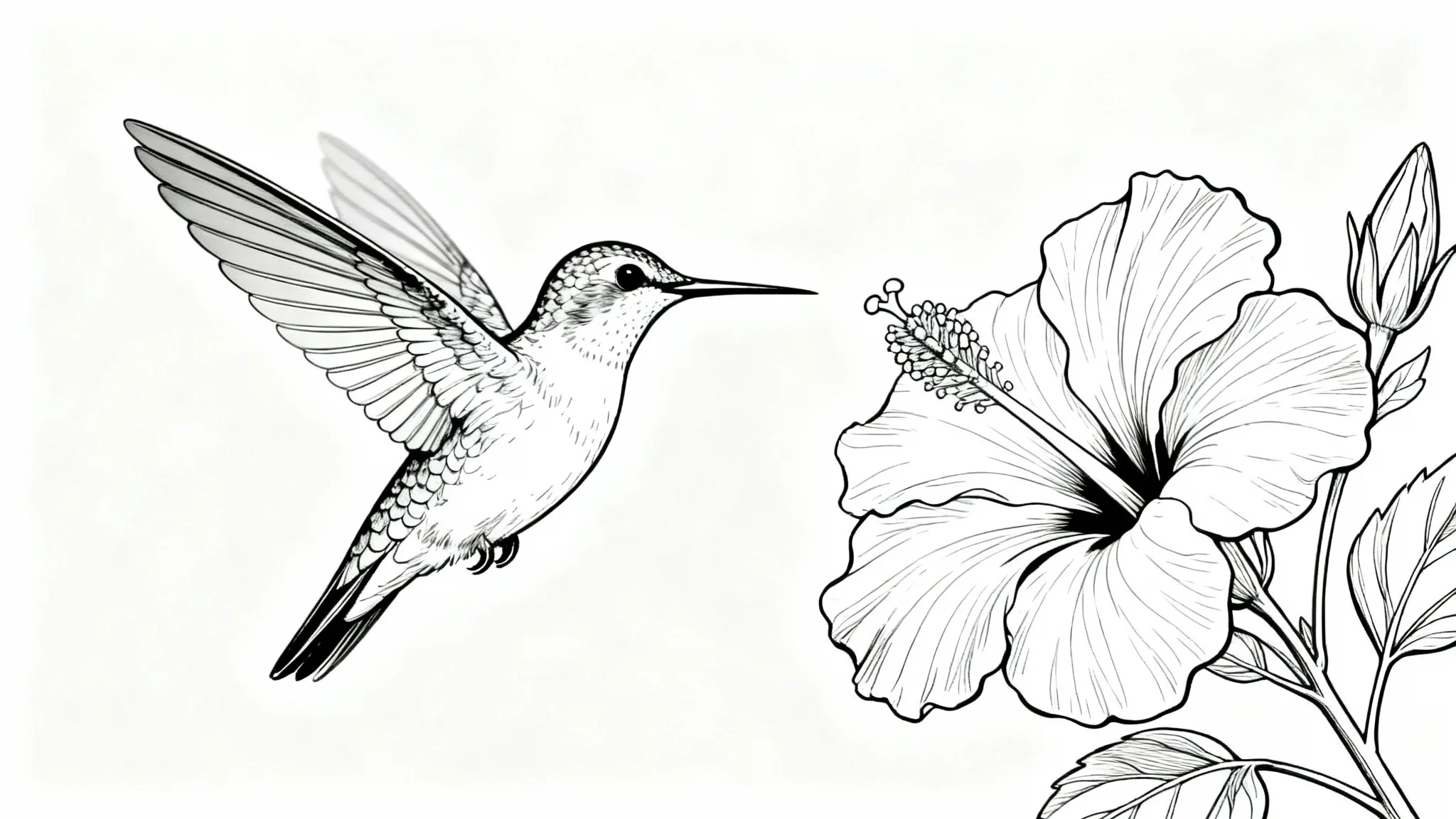
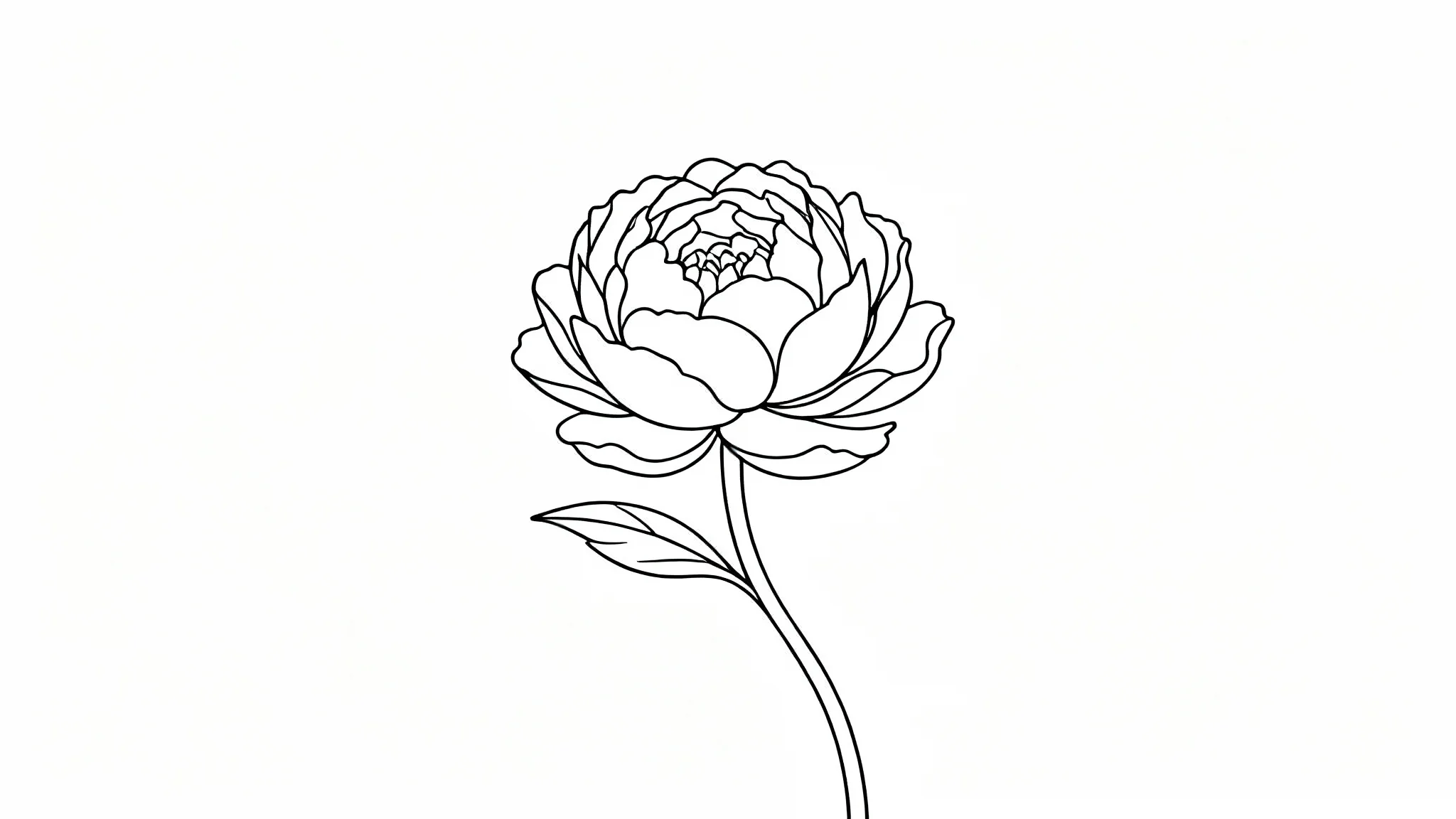
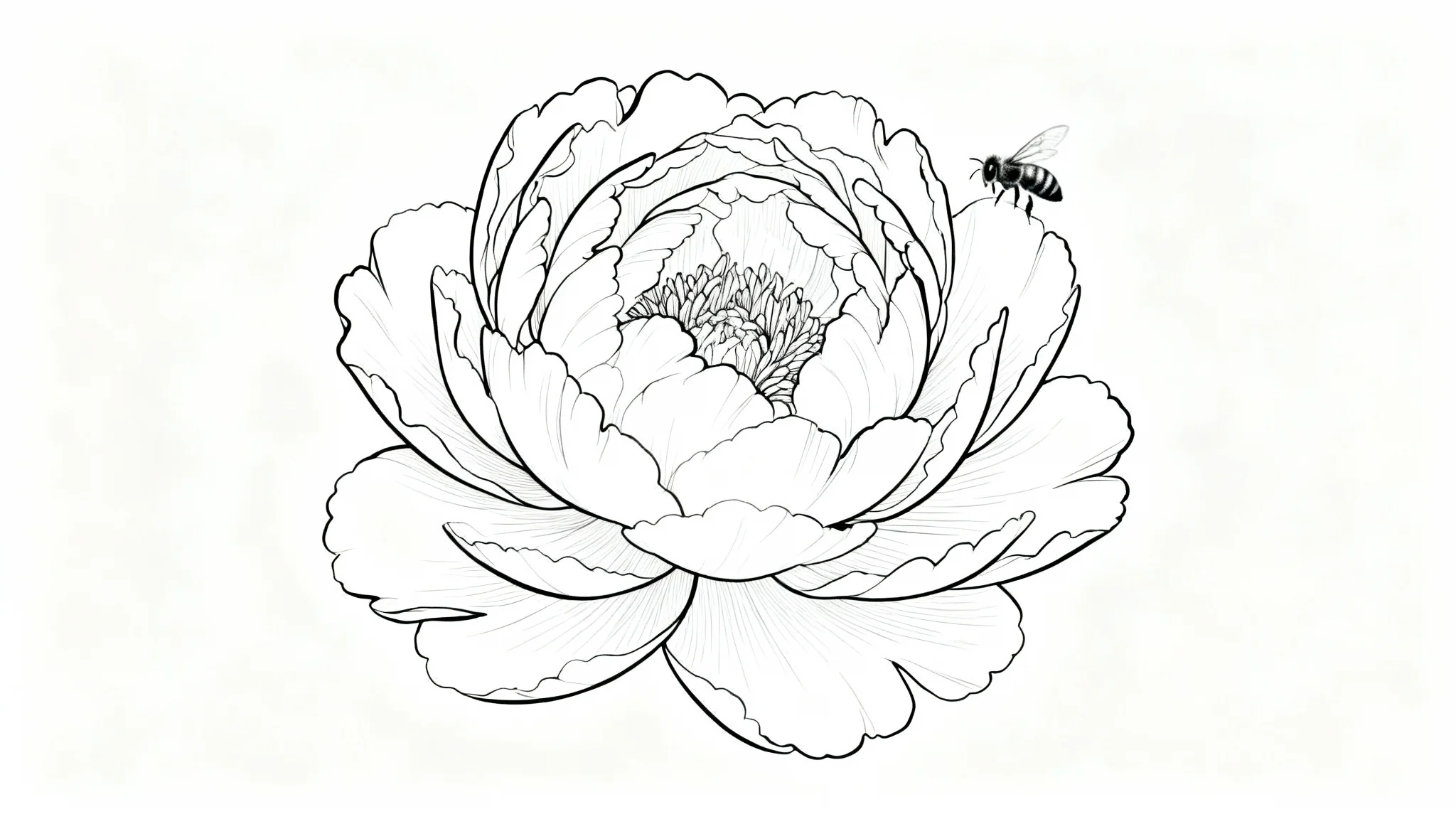
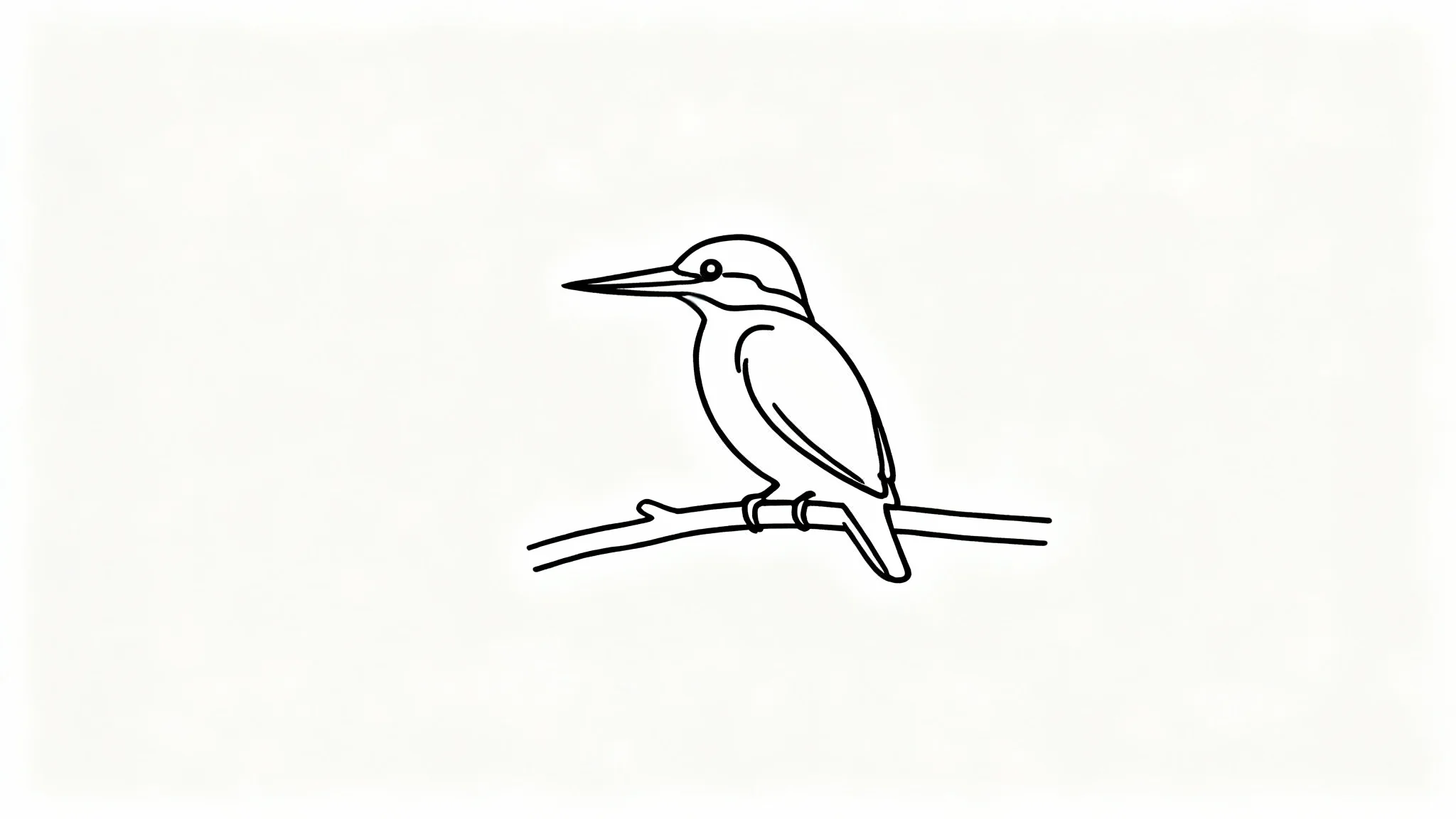
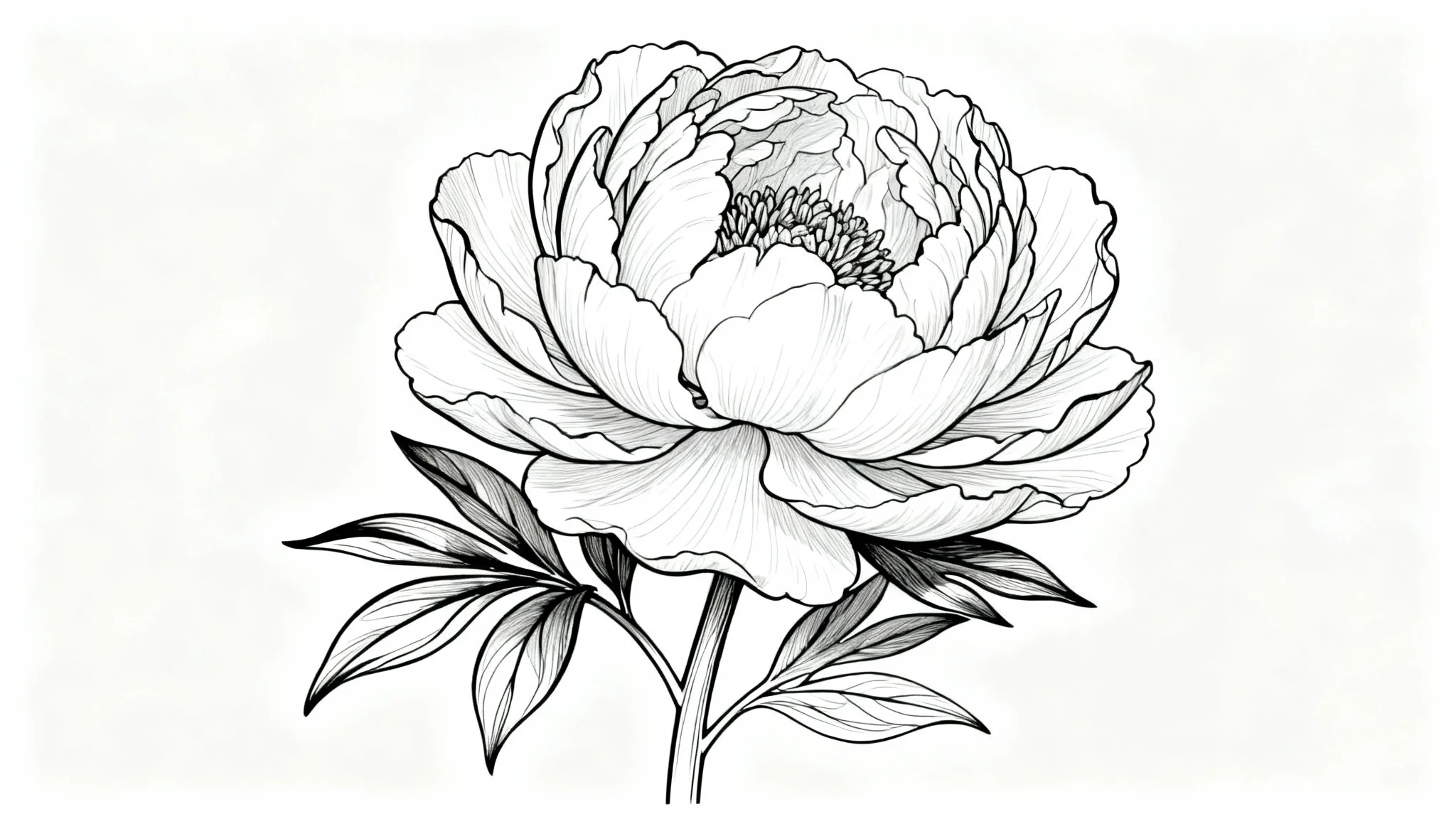
An AI line art generator is a tool that uses artificial intelligence to automatically convert an image into a line drawing. Instead of manually tracing, the AI analyzes the photo to identify the key shapes and edges, then creates a clean outline based on them.
To turn a photo into line art, upload your image into the tool. Then, you can add a simple text prompt describing the style you want, like 'simple line drawing.' The AI will process your image and generate a line art version for you to download.
Yes, you can create a single-line drawing. After uploading your photo, include the phrase 'continuous single line drawing' or 'one-line art' in your text prompt to guide the AI to generate the artwork in that specific style.
Yes, the tool is free to try. You can generate and download your line art creations without cost. After using your initial free credits, you will need to purchase more to continue creating.
You can use the generated line art for a wide range of personal and commercial projects. Common uses include creating tattoo designs, custom coloring pages, illustrations for websites, minimalist portraits, and patterns for crafts.
For the best results, use clear, well-lit photos with distinct subjects and contrast between the subject and the background. Images of portraits, animals, objects, and buildings tend to convert very well into clean line art.
Great app, easy to use. Helps our small business save time and money to create different marketing materials professionally. Thank you.
I need a good background remover for my work and I've been through them all it feels like. This one is the best by far. It's so easy to use and the results always look amazing. Thank you Pixelcut!
It's amazingly easy and gives the perfect results for my bags and accessories. It looks like it was done by a professional photographer.